How long does it take to make a product demo video?
Scripting, recording, voice-over, editing, captions and exports: a step-by-step look at why a two-minute demo can take days, and how to make it take minutes.
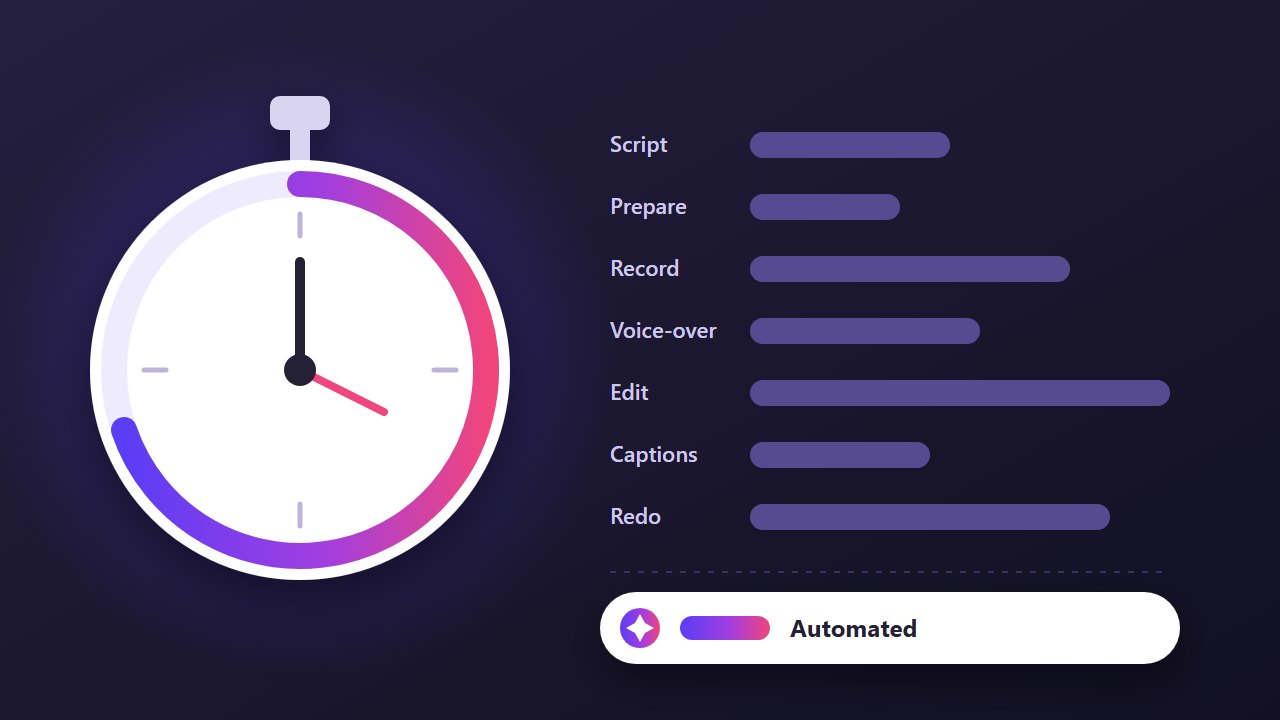
A product demo is usually only one to three minutes long, so it is easy to assume it takes an afternoon. In practice, a polished demo made by hand often takes days of work spread over a week or more. Here is where the time goes.
1. Planning and scripting
Deciding what to show is harder than it sounds. Which workflow? In what order? What do you leave out? Then the narration has to be written to match each screen, read aloud and trimmed until it fits. Expect several drafts.
2. Preparing the product
A demo needs a clean account with believable data: no test entries, no personal emails, no half-finished settings. Notifications must be off, the browser window sized correctly and anything private hidden. Setting this up is often a job of its own.
3. Recording
Screen recording means doing the workflow perfectly, at a steady pace, with the cursor in the right place. One typo or slow-loading page and you start again. Most people record each part many times.
4. Voice-over
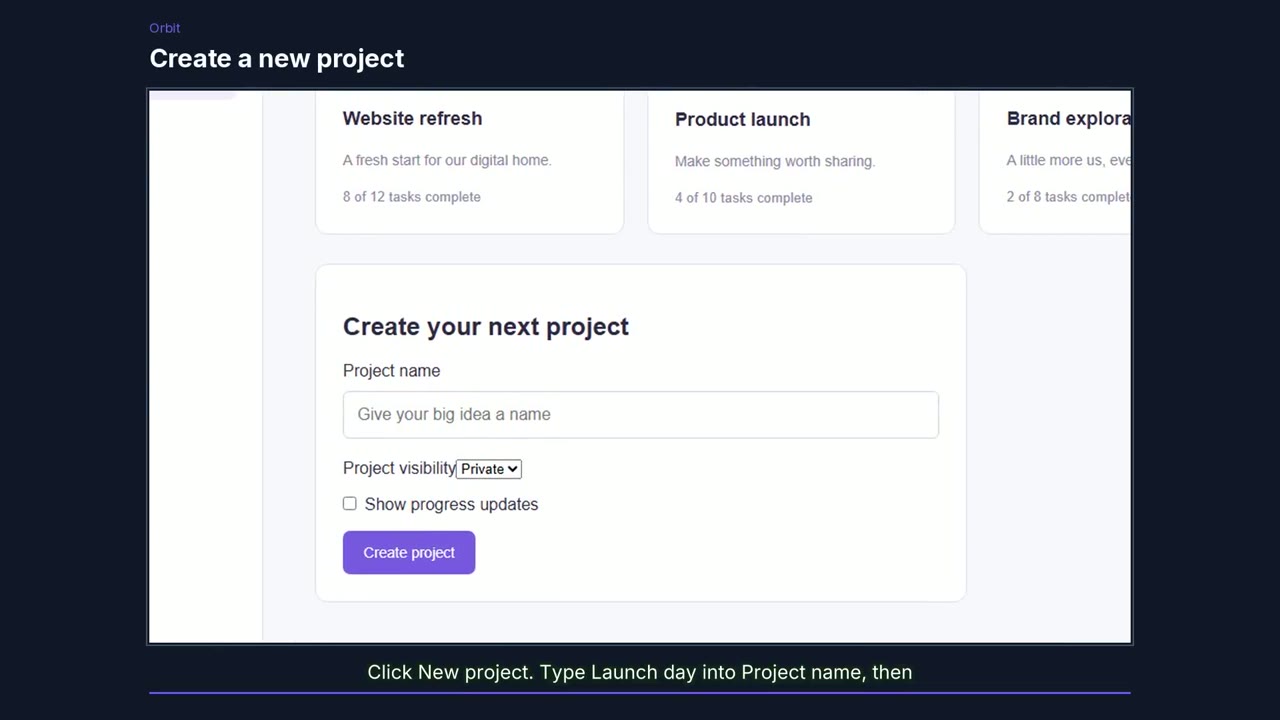
Recording narration needs a quiet room, a decent microphone and several takes. If you hire a voice artist, add time for briefing, waiting and revisions. The voice then has to line up with what happens on screen.
5. Editing
Editing is usually the longest step: cutting the mistakes, syncing voice and video, adding zooms, highlights, titles and transitions, and balancing the audio. A video editor makes it look professional but rarely makes it quick.
6. Captions, formats and extras
Captions need writing and timing. Social media wants a vertical cut. Then come the extras people ask for once the video exists: a written guide with screenshots, slides for sales, a thumbnail for the landing page.
7. Doing it all again
Every time the interface changes, parts of the demo go out of date. A renamed button or redesigned page can mean recording and editing all over again. This repeat cost is why so many products have no demo, or an old one.
How to make it faster
You can shorten the work by keeping the demo to one workflow, writing the script before recording and using a dedicated demo account. Or you can automate most of it.
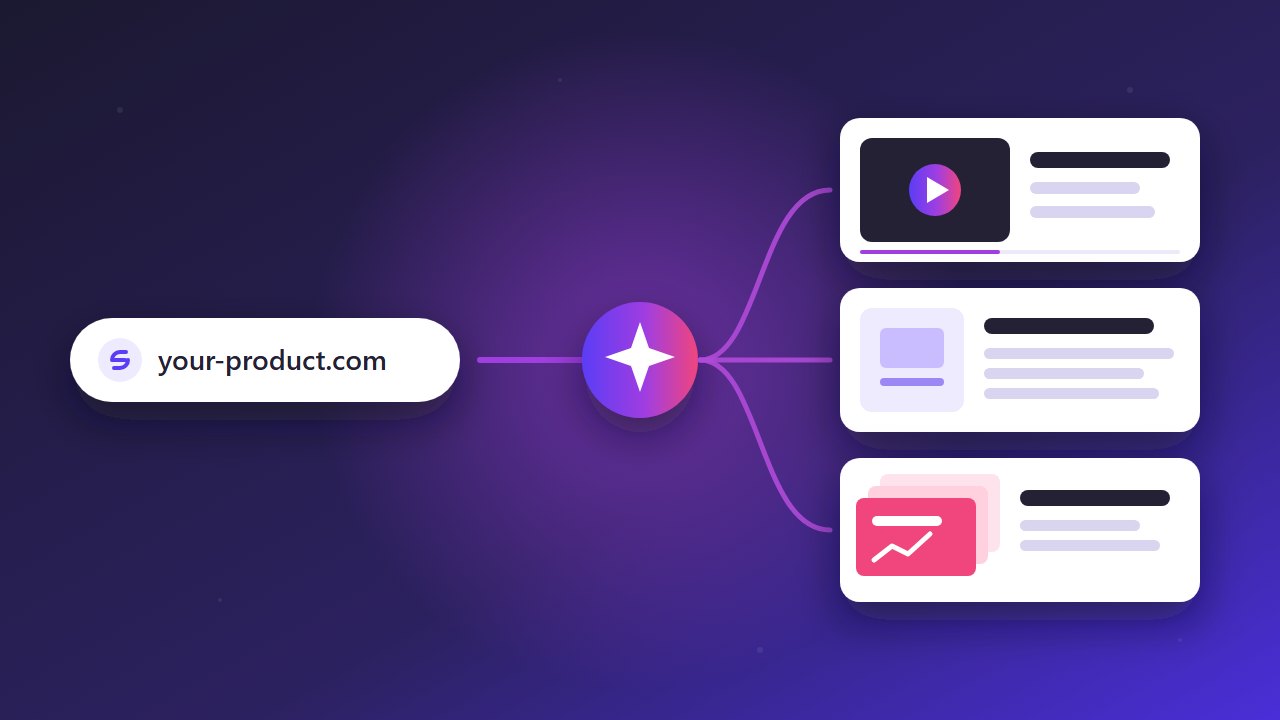
DemoVisor does the planning, recording, narration, captions and editing for you. You paste a product link, review the plan and approve it, and a real browser records the workflow on your live site. A few minutes later you have a narrated video, a vertical clip, a PDF guide and a slide deck. When the product changes, you run it again.
See real examples, or try the free sample to see the whole process from start to finish.
Make a demo of your product today
Paste a link, review the plan, and get a narrated video, a guide and a slide deck. No recording, no editing.
Try it free See real examples