Why we built DemoVisor
Every product needs a demo, and almost nobody has time to make one. Here is the problem DemoVisor solves, and how it works.
Ask any founder what they will do once the product is ready, and "record a proper demo" is somewhere on the list. Ask again a month later and it is often still there. The product changed twice, the onboarding flow moved, and the one video that exists shows a version of the app nobody uses any more.
DemoVisor exists because that gap is everywhere. Making a product is hard work. Explaining it again in a video, a written guide and a slide deck, every time it changes, is a second job most small teams never get round to.
The problem: explaining a product is a second job
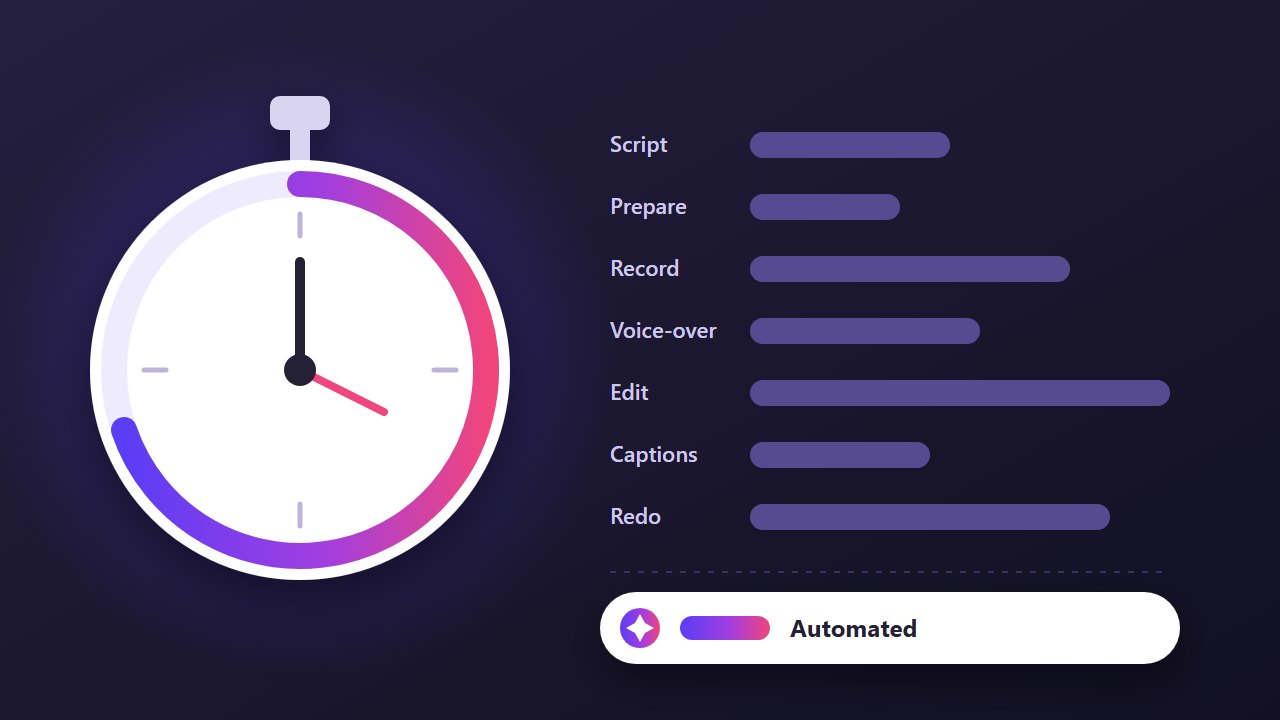
A good demo needs a script, a clean account with realistic data, a steady screen recording, a voice-over, captions, editing to cut the mistakes, and an export in the right sizes. Then the sales team wants slides and support wants a step-by-step guide with screenshots.
None of these steps are difficult on their own. Together they take a long time, and they all go stale the next time the interface changes. So teams put it off, ship with a short GIF, or let a demo from three releases ago keep doing the job.
What we wanted instead
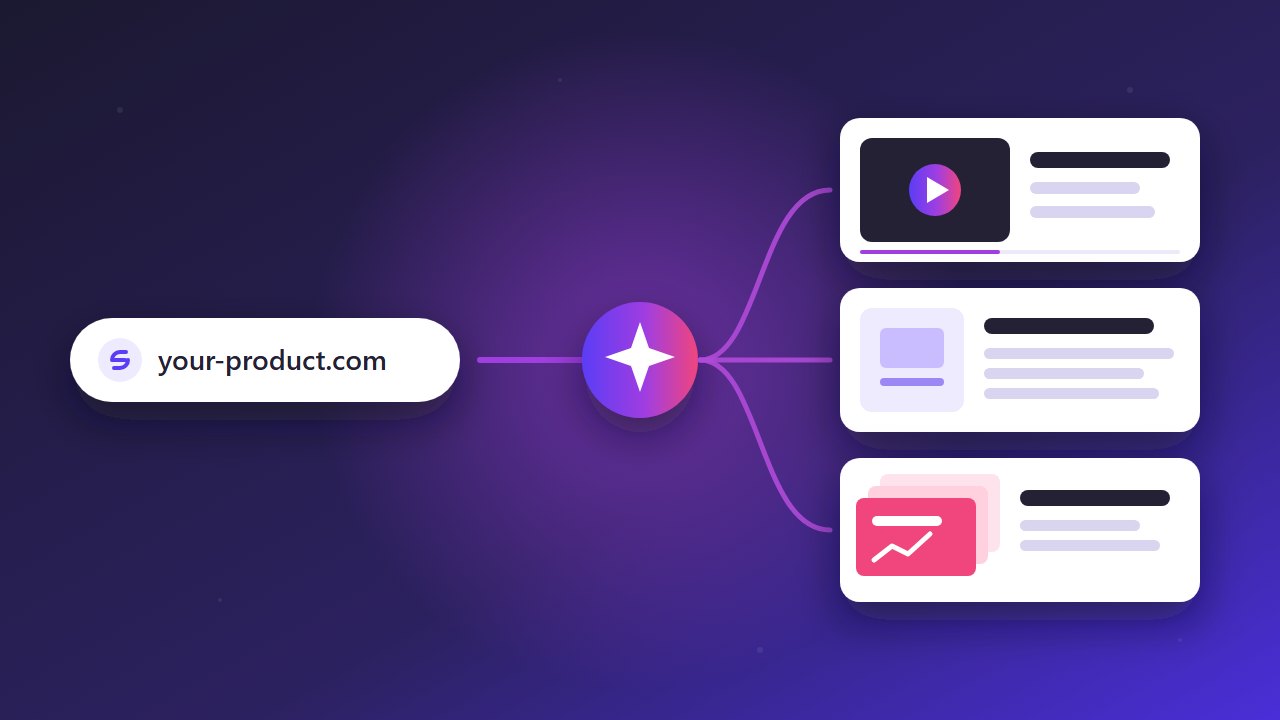
We wanted something that starts where the product already lives: its website. Paste a link, say what you want to show, and get a finished walkthrough back. Not a slideshow of screenshots, and not an avatar reading a script, but the real product being used in a real browser.
We also wanted you to stay in control. An AI that clicks around on its own can wander into the wrong page. So DemoVisor shows you its plan first: the scenes, the narration and the actions it will take. You review and change it, and only then does it record.
How DemoVisor works
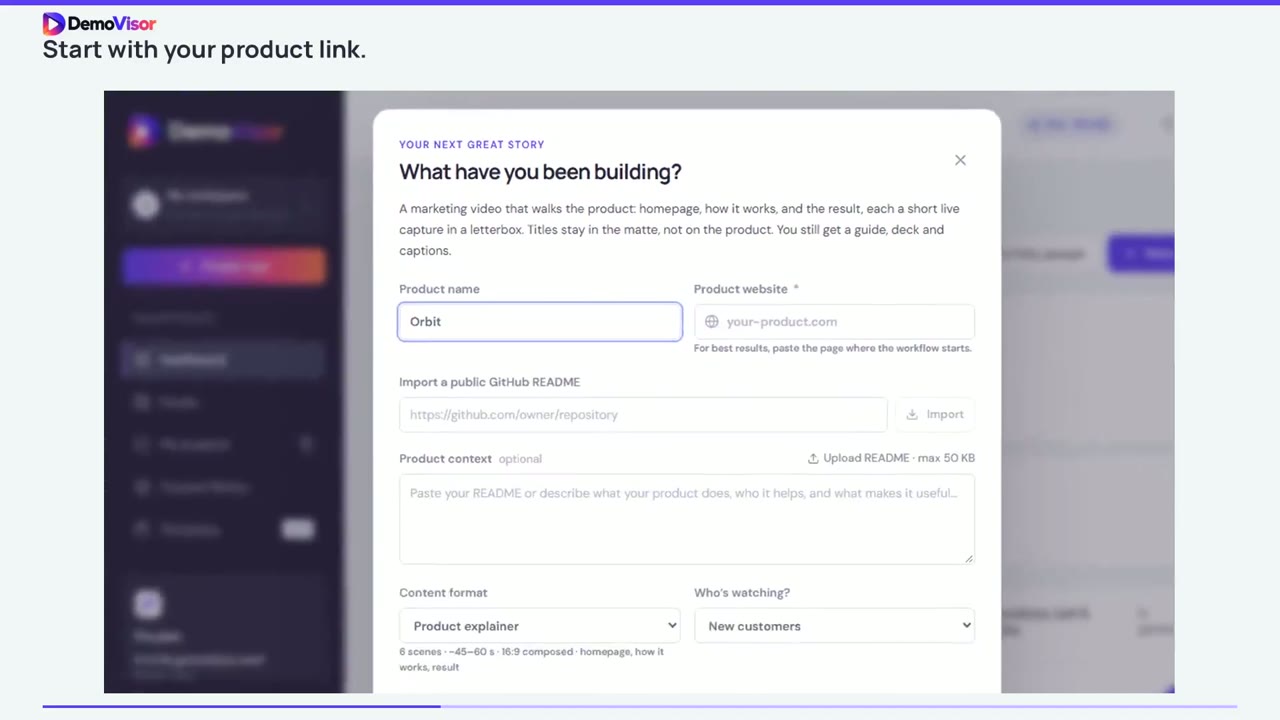
You give DemoVisor a product link, an optional README and the workflow you want to show. It reads the page, writes a scene-by-scene plan with narration, and waits for your approval.
Once you approve, it opens a real Chromium browser, carries out each step on the live site and records it. It then adds the narration, captions and transitions and renders the video. From the same run you also get an illustrated PDF guide, a PowerPoint deck and caption files, so the video, the documentation and the pitch all tell the same story.
When the product changes, you run it again. Keeping the demo fresh becomes a few minutes of review instead of a day of re-recording.
Who it is for
Founders launching a product who need a demo for the landing page, Product Hunt and investor emails. Product and marketing teams shipping features faster than they can record them. Customer success teams who need tutorials for every workflow. Agencies that make walkthroughs for clients.
If you have a product with a URL and no time to explain it, DemoVisor was built for you. See what it makes on the examples page, or start with the free sample.
Make a demo of your product today
Paste a link, review the plan, and get a narrated video, a guide and a slide deck. No recording, no editing.
Try it free See real examples