Why a product demo video matters more than your feature list
Visitors decide quickly whether a product is for them. A short demo video shows the product working, answers questions before they are asked and helps your pages in search.

Most product pages describe what the software does. Very few show it. A product demo video closes that gap: in a minute or two, a visitor sees the real interface, the real workflow and the result, without signing up or booking a call.
Showing beats telling
Words like "simple", "fast" and "powerful" appear on nearly every SaaS homepage, so visitors have learned to skip them. Watching someone create a project in three clicks proves "simple" in a way no headline can.
A demo also makes the product concrete. Visitors can picture themselves using it, which is the step that comes before signing up.
It answers questions before they become objections
Does it work with my data? How many steps does it take? What does the result look like? A walkthrough answers these quietly, in order, while the visitor is still interested. Questions that go unanswered tend to become reasons to leave.
The same video helps after the sale. New customers watch it to get started, and support can send it instead of writing the same reply again.
Demo videos and SEO
Search engines want pages that satisfy the visitor. A page with a useful video tends to keep people around longer, and video results can appear in Google search and on YouTube, which is itself one of the most used search engines.
To get that benefit, give the video a descriptive title, a short summary on the page, captions or a transcript, and structured data (the VideoObject schema) so search engines understand what it shows. DemoVisor produces captions and a transcript for every video, and pages like our examples page include the structured data automatically.
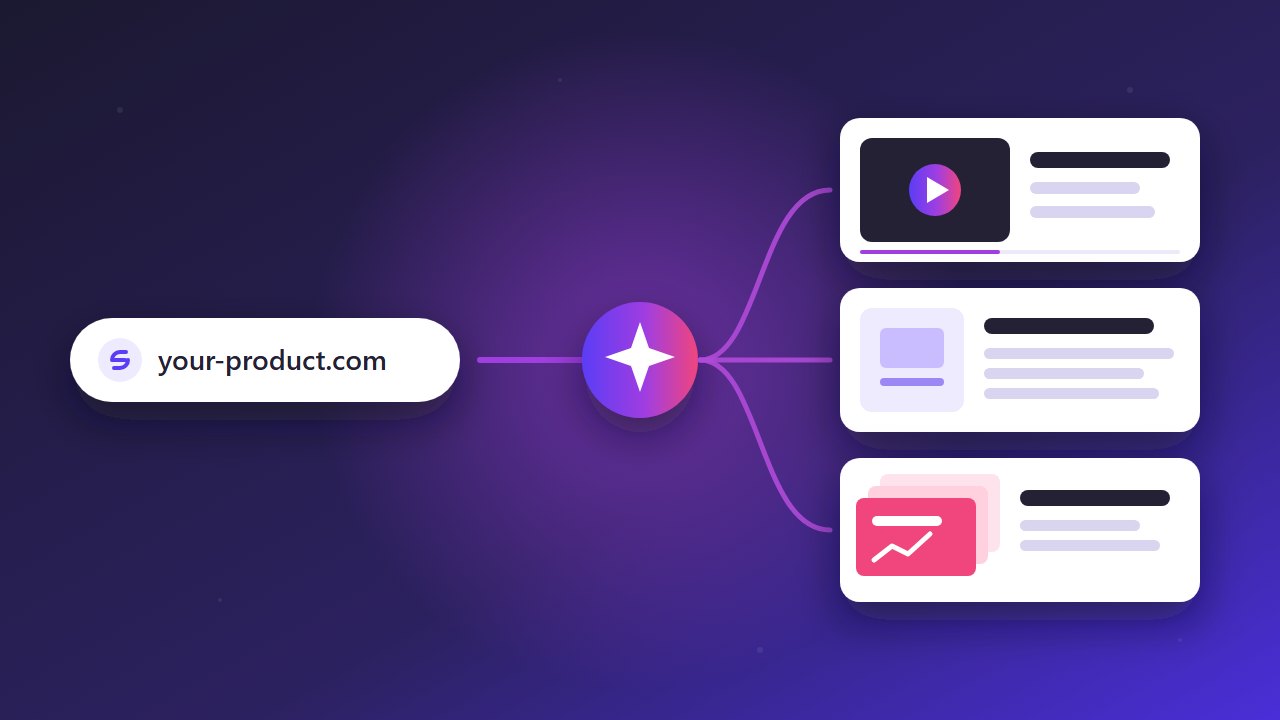
A demo also gives you material for more content: a step-by-step guide built from the same screenshots, a short vertical clip for social media and slides for sales. Each one is another way for people to find the product.
Where to use a demo video
On the homepage, near the top, so visitors see the product before they scroll away. On feature pages, with a shorter clip for each workflow. In launch posts on Product Hunt, Hacker News, LinkedIn and X. In onboarding emails and the help centre. In investor and sales decks, where a working product is the strongest proof you can show.
Keep it short, real and current
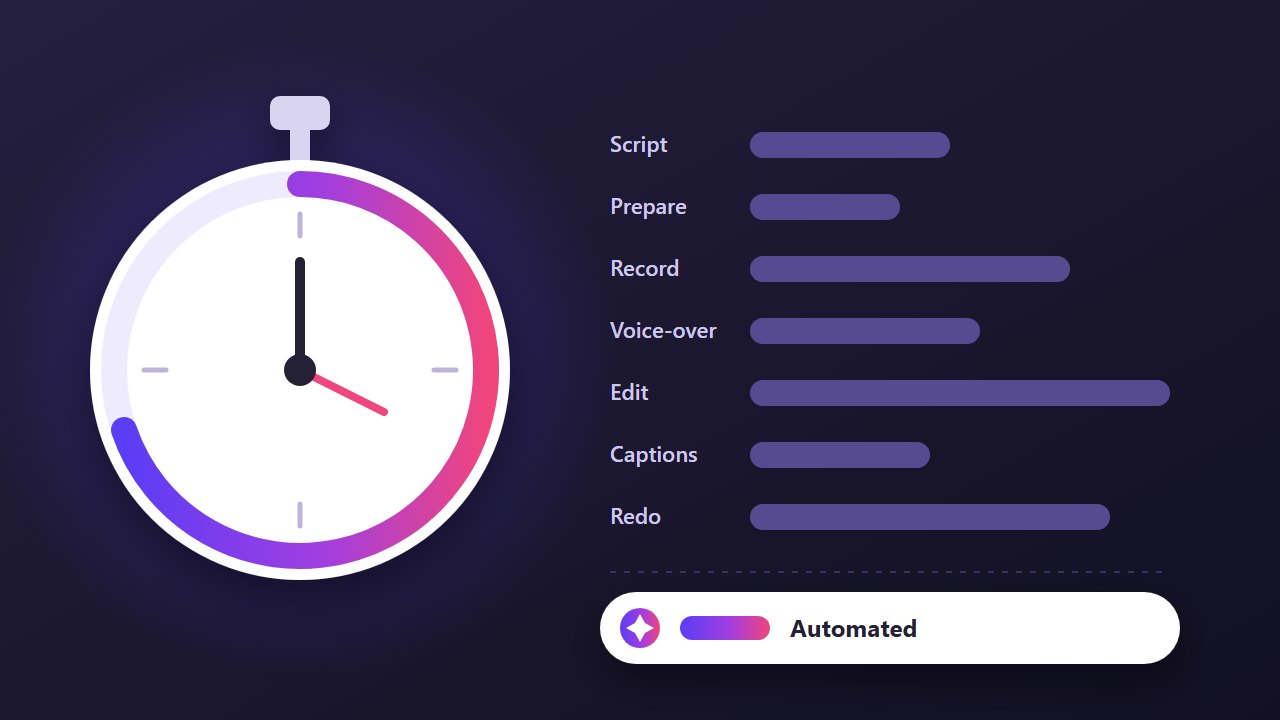
The best demos show one clear workflow from start to finish, use the real product rather than mock-ups, and match what customers will see when they sign up. That last part is the hard one, because every release can make a demo outdated. It is the reason DemoVisor records from your live site and can be run again whenever the product changes.
Make a demo of your product today
Paste a link, review the plan, and get a narrated video, a guide and a slide deck. No recording, no editing.
Try it free See real examples